(🇪🇸 Leer la versión en español aquí)
When flagship releases demand 210–212 GB of free flash space overnight — atop the CDN staging waves and peering bottlenecks we broke down in our 210 GB Day-1 CDN preload guide and Spanish BGP IXP analysis — the first failure isn't frame rate. It is storage saturation, thermal throttling during multi-hundred-gigabyte writes, and wildly different I/O philosophies between Sony and Microsoft.
Comparing PlayStation 5’s open PCIe Gen4 x4 M.2 bay against Xbox Series X|S’s closed CFexpress Gen4 x2 Expansion Card reveals why cutting corners on storage physics hurts most on massive launch installs.
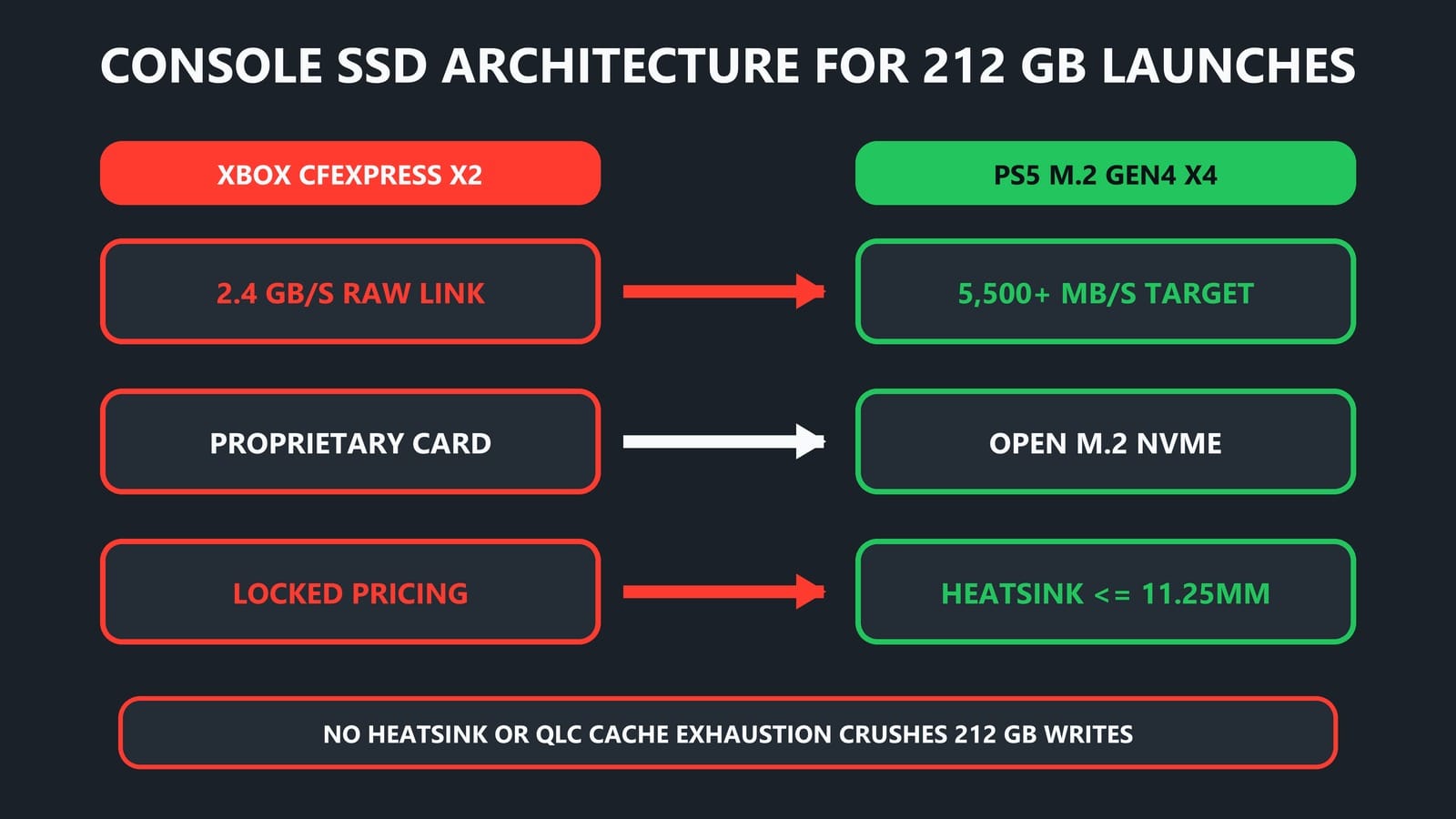
Open PCIe 4.0 x4 vs. Proprietary CFexpress Gen4 x2: Hardware Specs
Both consoles pair NVMe controllers with hardware decompression engines to crush legacy SATA loading times, yet their physical slots behave very differently under heavy 212 GB transfers:
| Storage Metric | PlayStation 5 / PS5 Pro (M.2 Bay) | Xbox Series X|S (Expansion Card) |
|---|---|---|
| Physical Bus & Lanes | Open PCIe Gen4 x4 M.2 Key M slot per PlayStation Support | Custom PCIe Gen4 x2 over CFexpress Type B form factor per StorageReview |
| Target Uncompressed Bandwidth | 5,500 MB/s+ recommended (~7.0–7.4 GB/s practical ceiling) | 2.4 GB/s uncompressed (~4.8–6 GB/s compressed via Xbox Velocity) |
| Thermal Engineering | User-supplied heatsink required (≤ 25 mm wide, ≤ 11.25 mm total thick) | Factory aluminum shell acts as integrated passive heatsink |
| Ecosystem & Portability | Swappable 2230–22110 PC drives per Kingston | Rear hot-swap plug-in; cards even mount on PC via CFexpress adapters per Tom's Hardware |
Two Silicon Traps When Installing 200+ GB Games
- Skipping the PS5 heatsink or buying cheap QLC DRAM-less NVMe drives: PS5’s M.2 chamber is a tight metal pocket with minimal airflow. Writing 212 GB continuously to an uncooled Gen4 controller triggers thermal throttling quickly unless wrapped inside Sony’s clearance bounds (≤ 8 mm above board, ≤ 2.45 mm below). Equally brutal, ultra-budget QLC drives lacking onboard DRAM (and unable to tap PC Host Memory Buffer cleanly on console) plummet below spinning-HDD write speeds once their small pseudo-SLC write cache fills midway through a 200 GB transfer.
- Overpaying for Gen5 drives in a Gen4 slot: plugging a pricey PCIe 5.0 drive into a PS5 caps negotiation strictly at PCIe Gen4 x4, just like dropping a Gen5 GPU into an older x8 slot. Check the exact usable GB/s of every PCIe generation and lane width (
128b/130bencoding overhead included) in our new PCIe Gen 3/4/5/6 lane & NVMe/GPU bandwidth calculator.
Quick Buying Rules Before Expanding Console Flash
- PS5 / PS5 Pro: pick an M.2 2280 TLC PCIe 4.0 x4 drive rated at 6,500–7,300 MB/s with an integrated slim heatsink under 11.25 mm, and check long-term write endurance with our NVMe SSD TBW & DWPD lifespan calculator.
- Xbox Series X|S: factor in the per-TB markup of locked PCIe Gen4 x2 cards; cold-parking finished 150 GB titles onto cheap external USB SSDs/HDDs beats buying multiple overpriced proprietary cartridges.
- Remember decimal TB vs. binary GiB: a "1 TB" drive yields ~931 GiB usable space before OS overhead, meaning one 212 GB install eats nearly a quarter of the drive right out of the gate.
Fast NVMe isn't just about cutting three seconds off a loading screen anymore — without proper heatsinks and sustained TLC cache, installing modern 200 GB builds exposes weak flash immediately.
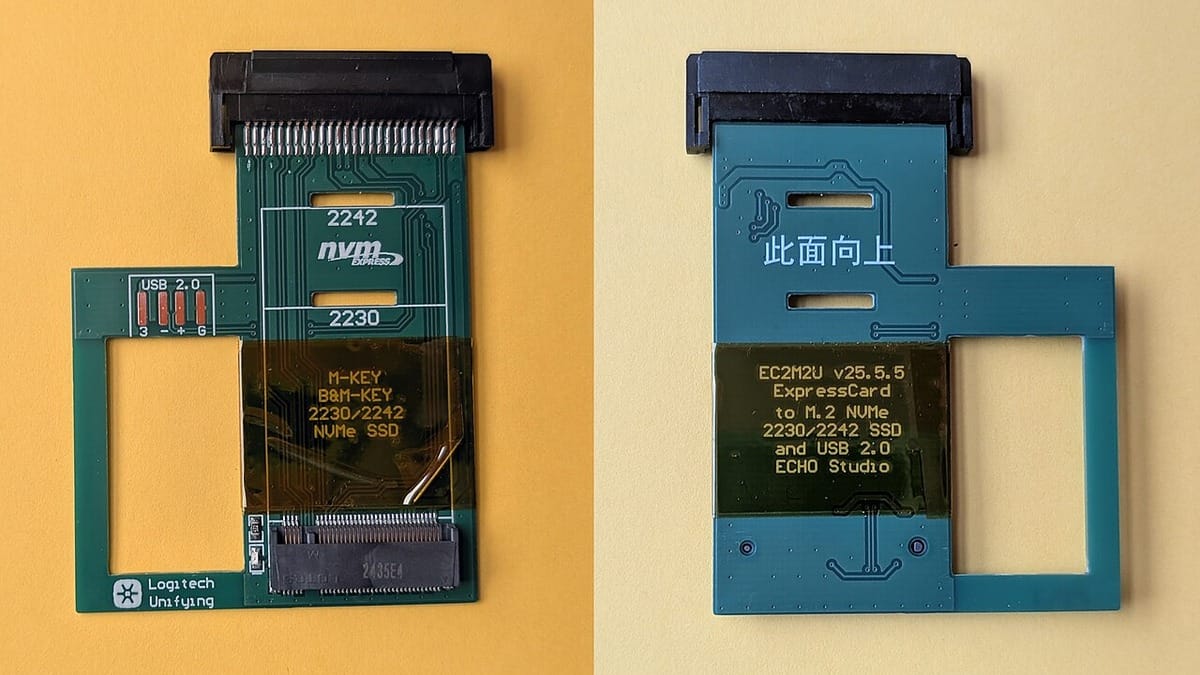
Credits: Syncroma Studio. Cover photo: ExpressCard to M.2 NVMe adapter hardware (Wikimedia Commons, CC BY-SA 4.0); original editorial infographic by Syncroma Studio.
Sistemas reales, sin humo corporativo Real systems, zero corporate hype
Recibe los análisis a fondo sobre arquitectura, consumo de recursos y computación de bajo nivel directamente en tu bandeja de entrada. Get deep-dive software architecture, resource consumption metrics, and low-level computing essays delivered straight to your inbox.
Suscribirse a Syncroma Subscribe to Syncroma