(🇪🇸 Leer la versión en español aquí)
Google has finally shipped a standalone Gemini app for Apple CarPlay, putting full two-way Gemini Live voice conversations directly on iPhone drivers' dashboards. On paper, it looks like a knockout blow against an aging Siri still struggling to deliver reliable cross-app context. In real-world driving, however, anyone plugging in their iPhone hits two immediate walls: Apple still blocks third-party always-on wake words ("Hey Gemini"), and European Economic Area, UK, and Swiss users face stripped-down personal data integrations due to strict privacy rules.
Until this rollout—confirmed by MacRumors and 9to5Mac—iPhone drivers could only reach Gemini through narrow Google Maps workarounds. Now the standalone CarPlay client sits right alongside ChatGPT, Claude, Grok, Copilot, and Perplexity on the dashboard, with optional opt-in hooks into Gmail, Google Calendar, and phone-synced transcripts.
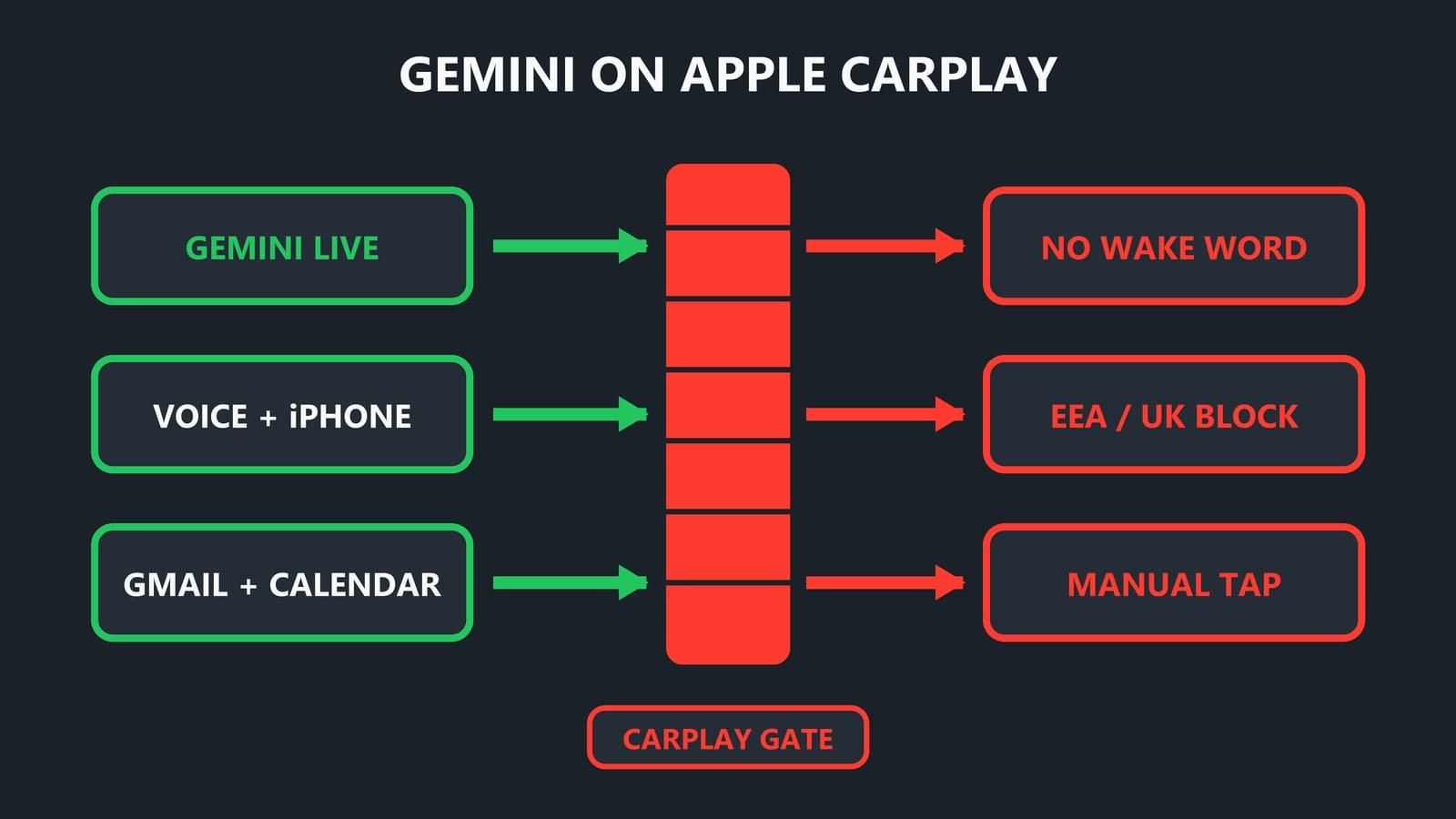
What Actually Works in CarPlay vs. What Hits a Wall
Looking past the launch headline into hands-on constraints documented by PCMag and Autoevolution, the real driver experience exposes sharp platform bottlenecks:
| Promised Feature | Real iOS / CarPlay Behavior | Root Technical or Legal Bottleneck |
|---|---|---|
| Hands-free launch via hotword | Blocked: no "Hey Gemini" wake-word support | Apple restricts background always-on mic listening exclusively to Siri |
| Launching Gemini behind the wheel | Must tap the dashboard icon or say "Hey Siri, open Gemini" | CarPlay audio/microphone sandboxing rules |
| Spoken Gmail & Calendar briefings | Off by default and regionally restricted | Personal data connectors face blocks in the EEA, Switzerland, and UK |
| Syncing driving notes after parking | Auto-syncs transcript to the iPhone Gemini app | Requires having updated Gemini and launched Gemini Live at least once on iOS |
| Local vs. cloud processing | Audio streams continuously to Google cloud servers | Governed by cloud activity & retention policies rather than on-device inference |
As Autoevolution pointed out, forcing drivers to reach across the dashboard for a touchscreen tap—or ask Siri to summon its chief rival—undercuts the entire safety point of in-car voice AI. Apple guards its low-power wake-word coprocessor gate closely because opening default voice triggers on CarPlay would shrink Siri's daily usage overnight.
Cabin Privacy & Workspace Data: Check Before Opting In
As noted in companion coverage from Notebookcheck, connecting Gmail and Google Calendar is strictly off by default (opt-in) and remains unavailable in the European Economic Area, Switzerland, and the UK for deeper personalized account actions.
From an engineering and security standpoint, asking your car to "summarize Sarah's Q4 budget thread before my 10 a.m. meeting" turns a driving session into continuous cloud audio streaming joined with indexed corporate or personal inbox context—and saved straight back to your mobile chat log. Before feeding sensitive logs or internal summaries into cloud assistants, sanitize confidential fields with our Private Offline Log & Text Anonymizer, and strip tracking tokens from links you share with our Private UTM Link Cleaner & Phishing Inspector.
Bottom Line for iPhone CarPlay Drivers
- Setup gotcha: Update the Gemini iOS app first, open Gemini Live on your phone at least once with microphone permission enabled, and only then look for its icon inside CarPlay settings.
- Expect friction, not magic: Outside restricted European regions, Gemini Live handles fast conversational brainstorming and inbox prep noticeably better than Siri—provided you accept tapping the screen or bridging through Siri first.
- Architecture watch: CarPlay keeps proving that whoever controls OS-level microphone triggers dictates who owns the user interface, no matter how smart third-party frontier models get.
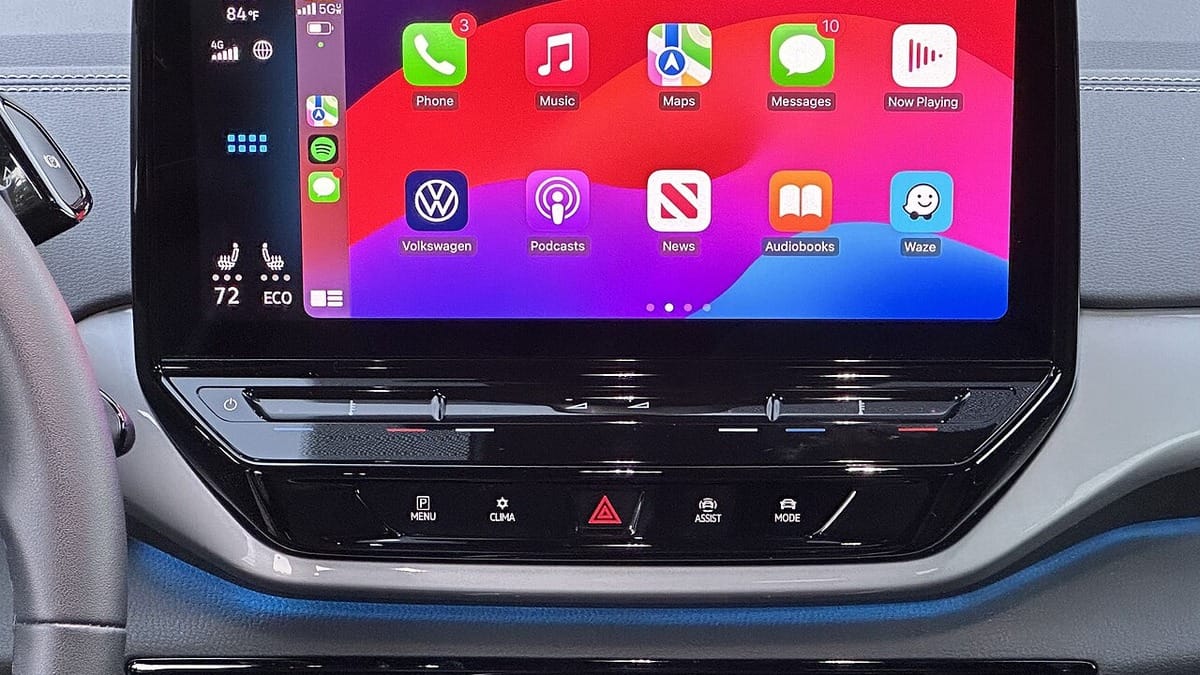
Analysis infographics by Syncroma Studio. Editorial cover photograph via Wikimedia Commons (Sunnyboy122, CC0).

Sistemas reales, sin humo corporativo Real systems, zero corporate hype
Recibe los análisis a fondo sobre arquitectura, consumo de recursos y computación de bajo nivel directamente en tu bandeja de entrada. Get deep-dive software architecture, resource consumption metrics, and low-level computing essays delivered straight to your inbox.
Suscribirse a Syncroma Subscribe to Syncroma