MCP: Giving Hands to the Brain in a Jar (And Why Chats Fall Short)
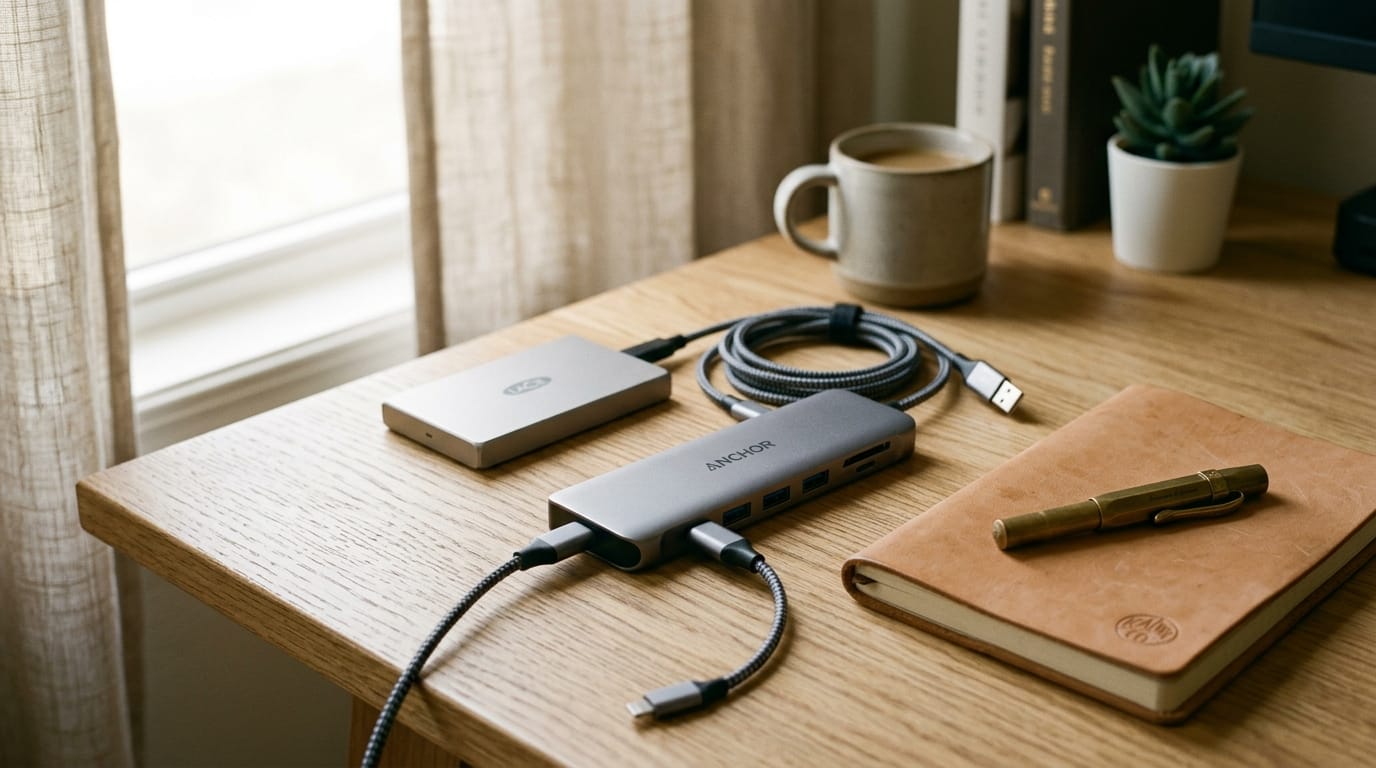
If an LLM is a brain in a jar, MCP is the universal USB-C port. We explain how this standard connects AI to your local files.
(🇪🇸 Leer la versión en español aquí)
In the previous post, we made one thing clear: today’s AI doesn't think; it’s just an engine that spits out words incredibly fast. A brilliant brain, sure, but trapped in a glass jar.
Try it yourself today. Open ChatGPT or Claude and say: "Hey, read the logs.txt file on my PC's desktop and tell me where it's failing". The machine will politely tell you it can't. It is an oracle locked in a cell. It is deaf, blind, and has no hands.
For this technology to be useful for anything beyond writing useless emails or giving you loose code snippets, we need to plug it into the real world. And that is where the actual technical revolution comes in—the one LinkedIn gurus have no clue about: the MCP (Model Context Protocol).
The USB-C Port of Artificial Intelligence
Think about the cable chaos a few years ago. You had a different charger for your phone, another for your laptop, and another for your headphones. A nightmare of proprietary adapters. Until the industry agreed, launched USB-C, and standardized everything.
MCP is exactly that: the USB-C of AI.
Until very recently, if you wanted an AI model to read your local files, query your database, or control your smart home lights, you had to code custom integrations. A nightmare of different APIs, token management, and garbage code that broke two days later.
The Model Context Protocol is a universal, open-source standard. Instead of fighting with APIs, you simply spin up a small local server (the MCP "cable") on your machine that exposes your files or databases in a standardized way.
Suddenly, any AI that supports this standard plugs right in and can interact with your tools. When you ask the AI to read that logs.txt, the AI uses the MCP connection to tell your computer: "Hey, pass me the text from that file". Your PC reads it, returns it, and the AI analyzes it for you.
The model never left its glass cell. It doesn't have free access to your hard drive. It only communicates through that standardized port you opened. And best of all: it is completely secure, because you are the one who decides which MCP servers you run and what data they can access.
The Step Toward Autonomy
Alright, we now have a hyper-fast brain (the LLM) and we've plugged in the cable (the MCP) to interact with your local systems.
But notice one detail: right now, you are still the one who has to give it the step-by-step order through the chat. What if we told the machine: "You have this complex goal, use the MCP tools you need, organize yourself, and let me know when it's solved"?
When the AI stops being a passive chat and gets the autonomy to execute tools in a loop, we are no longer talking about a simple LLM. We are talking about an Agent.
And that’s exactly what we will discuss in the third and final post.
Image Credit: Syncroma Studio. Editorial still life photography: universal USB-C multi-port hub interconnecting storage and workspace tools.
Sistemas reales, sin humo corporativo Real systems, zero corporate hype
Recibe los análisis a fondo sobre arquitectura, consumo de recursos y computación de bajo nivel directamente en tu bandeja de entrada. Get deep-dive software architecture, resource consumption metrics, and low-level computing essays delivered straight to your inbox.
Suscribirse a Syncroma Subscribe to Syncroma